
Table of Contents
A productive home office isn’t defined by aesthetics or trends, it’s defined by how well it supports the way you work.
Two people can use the same desk, chair and lighting, yet experience completely different levels of comfort and focus. The difference isn’t the furniture, it is the alignment between the workspace and personal work habits.
In a complete home office setup guide, physical components matter. But the most effective setups are those designed around your daily workflow, energy patterns and task types.
This guide explains how to design your home office based on how you work — not how it looks.
Why Work Style Matters More Than Layout Alone
A workspace that ignores your work habits will always feel slightly uncomfortable or inefficient.
Your work style affects:
- How long you sit at a time
- Whether you multitask or deep focus
- How often you reference physical documents
- How much movement you need
- Whether your work is screen-heavy or mixed
Designing around these habits reduces friction and increases consistency.
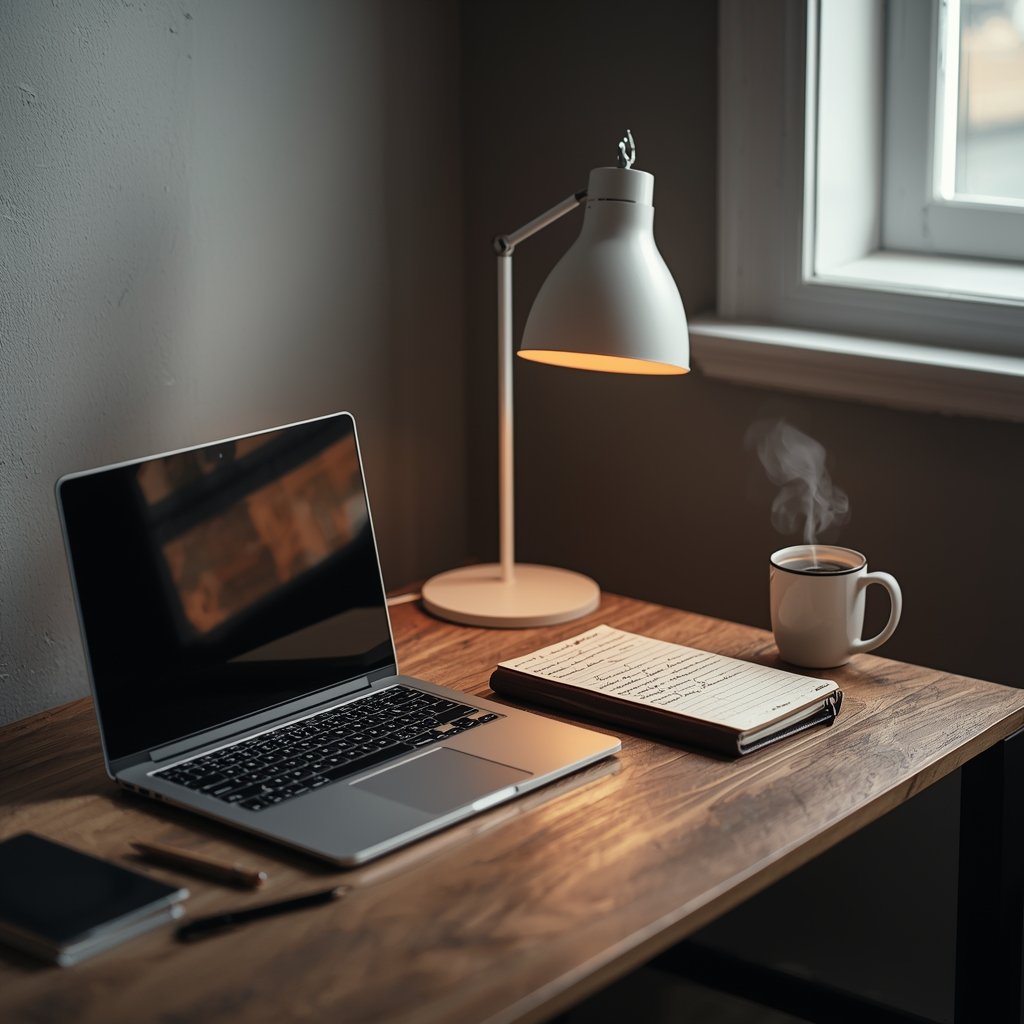
Identify Your Primary Work Pattern
Before adjusting furniture or layout, identify your dominant pattern.
Deep Focus Worker
If you work in long, uninterrupted sessions:
- Minimise visual distractions
- Keep desk surface minimal
- Use balanced lighting
- Ensure ergonomic alignment
Task Switcher
If your day involves frequent switching:
- Keep essentials within reach
- Use organised storage
- Consider wider desk surfaces
- Use flexible seating
Creative Worker
If you sketch, plan or brainstorm:
- Allow for additional surface space
- Use layered lighting
- Keep inspiration boards visible
Your setup should reflect your rhythm.
Match Furniture to Work Behaviour
Furniture choice should reinforce your work style.
For example:
- Deep focus workers benefit from ergonomic chairs that support long sessions, as explained in our guide to ergonomic office chairs for home offices.
- Multitaskers often need more surface area, similar to the considerations outlined in home office desks for small and large spaces.
- Compact living spaces may require smart zoning techniques from our small home office setup ideas for apartments guide.
Design becomes effective when components work together.
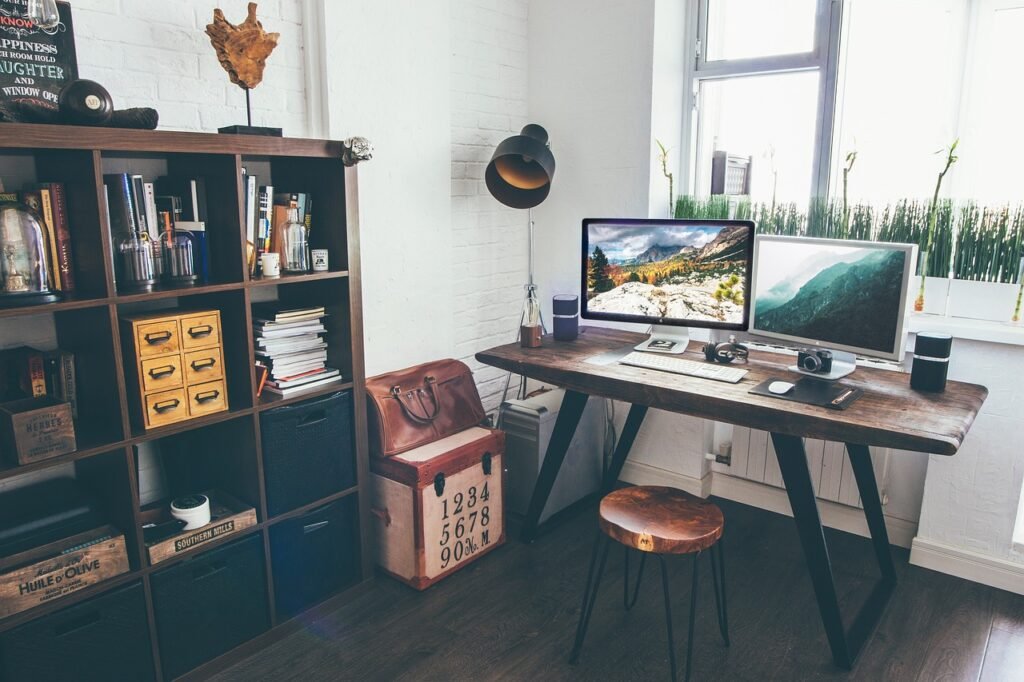
Consider Energy and Time of Day
Work style isn’t just about tasks — it’s about energy.
Ask yourself:
- When do you feel most focused?
- Do you work evenings or mornings?
- Do you need brighter lighting early in the day?
Lighting adjustments can support alertness. The American Academy of Ophthalmology explains that managing brightness and reducing glare helps maintain visual comfort during extended screen use.
Lighting and posture influence concentration more than most people realise.
Build Zones Within the Same Room
Even in small spaces, subtle zoning supports different work behaviours.
You might create:
- A primary focus desk area
- A secondary reading corner
- A storage zone behind or beside the desk
Zoning reduces mental switching costs.
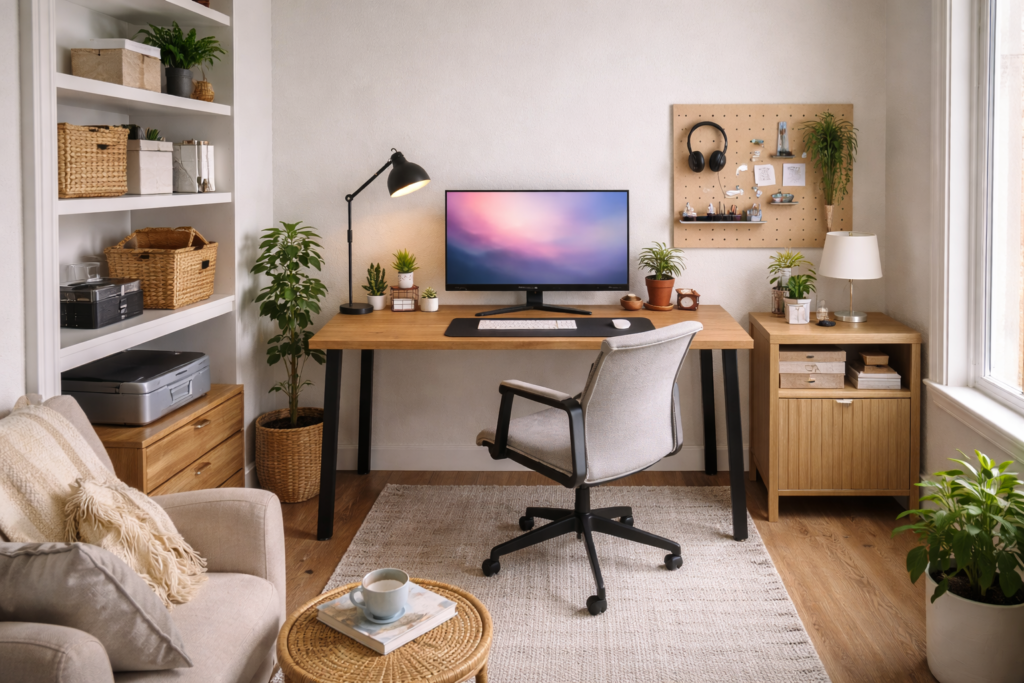
Adjust, Observe, Refine
Designing around work style is not a one-time decision.
Observe:
- When you feel distracted
- When discomfort appears
- Where clutter builds
- Which tasks feel awkward
Small refinements — repositioning a lamp, adjusting chair height, relocating storage often make meaningful differences.
According to the Occupational Safety and Health Administration (OSHA), workstation components must be adjusted to support neutral posture and reduce strain during desk-based work.
Adjustment is part of design.
Common Mistakes When Designing Around Work Style
Avoid:
- Copying aesthetic setups from social media
- Ignoring how long you actually sit
- Prioritising appearance over function
- Overloading the desk with decorative items
- Failing to reassess your setup over time
Your workspace should evolve as your habits evolve.
Frequently Asked Questions
What does “designing around work style” mean?
It means arranging furniture, lighting and layout to support how you naturally work rather than forcing yourself to adapt to a preset layout.
Can a small home office support deep focus?
Yes. Minimal surfaces, good lighting and proper ergonomics can create an excellent deep-focus environment even in compact spaces.
How do I know if my setup matches my work style?
Pay attention to discomfort, distraction frequency and how often you adjust your environment during work.
Should I redesign my office if I change jobs?
Possibly. Changes in task type or hours may require adjustments in lighting, desk space or seating.
Is ergonomics still important if I don’t sit all day?
Yes. Even part-time desk work benefits from proper alignment and posture support.
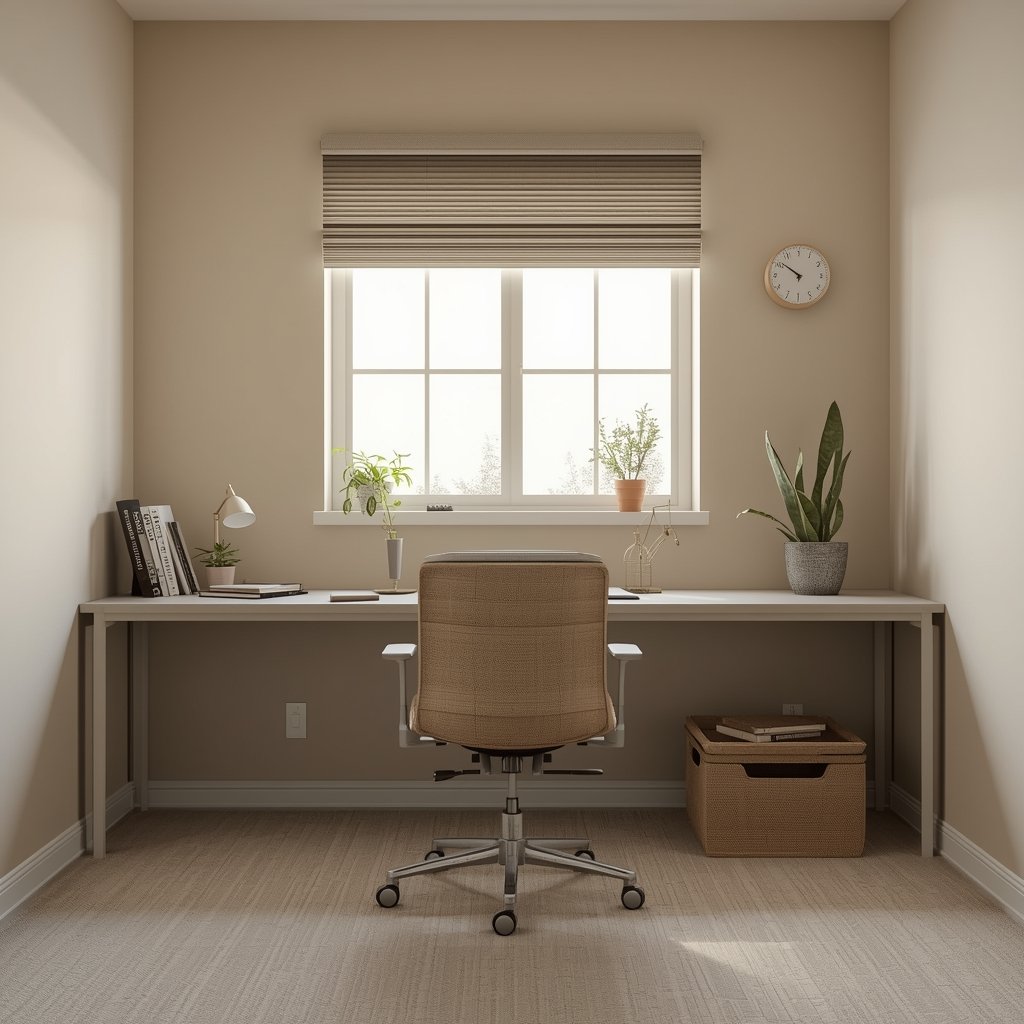
How This Fits Into Your Overall Home Office Setup
Designing around work style builds on the foundations explained in our home office setup guide, where layout, ergonomics and lighting form the base.
Once furniture and lighting are selected intentionally, aligning them with your workflow turns a functional space into a supportive one.
Final Thoughts
A well-designed home office doesn’t just look organised, it feels natural to use.
When your space supports your habits instead of fighting them, focus lasts longer and work feels more sustainable.
Design around how you work and the rest becomes easier.