
Table of Contents
The Best Ergonomic Office Chairs for Home Offices: A Practical Guide for Beginners
An ergonomic office chair is one of the most important elements in a home office, yet it’s also one of the most misunderstood. Many people focus on desks, screens or aesthetics first, only to find themselves dealing with discomfort, fatigue or poor posture after long workdays.
This guide explains what actually makes an office chair ergonomic, how to choose the right one for your needs and how it fits into a well-designed workspace.
If you’re building or refining your workspace, this article works best alongside a complete home office setup guide, where seating, layout, lighting, and ergonomics are considered together.
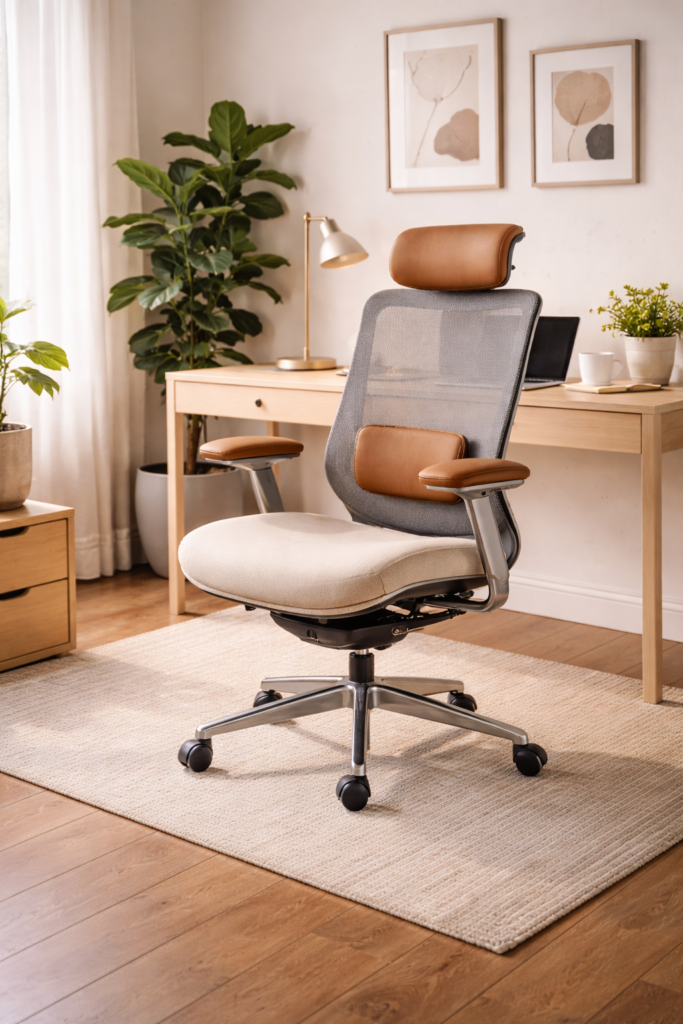
Why Ergonomic Office Chairs Matter in a Home Office
When you work from home, you’re often seated for extended periods without realising how much strain your body is under. A chair that doesn’t support proper posture can lead to back pain, shoulder tension and reduced focus over time.
In any well-planned home office setup, ergonomics plays a central role because your chair affects:
- Spine alignment
- Circulation
- Muscle fatigue
- Energy levels throughout the day
No amount of desk organisation or lighting can fully compensate for poor seating.
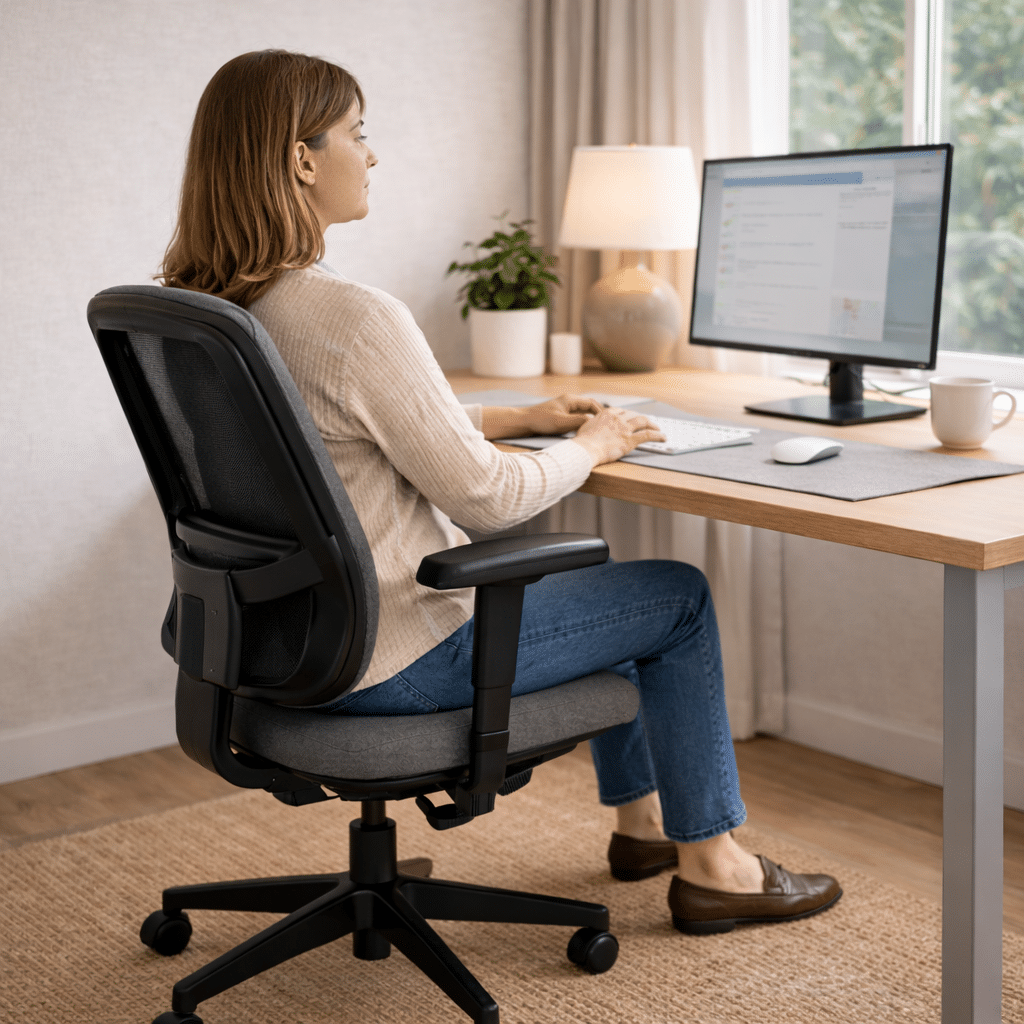
What “Ergonomic” Actually Means
The word “ergonomic” is often used loosely, but true ergonomic design is based on how the human body naturally sits and moves.
A genuinely ergonomic office chair is designed to:
- Support neutral posture
- Adapt to different body types
- Allow small movements throughout the day
- Reduce pressure on the lower back and hips
This aligns with broader workspace principles covered in comprehensive guides to home office setup, where furniture is chosen based on function rather than appearance.
Core Features of a Good Ergonomic Office Chair
Not every chair needs every feature, but certain elements make a significant difference for most people working from home.
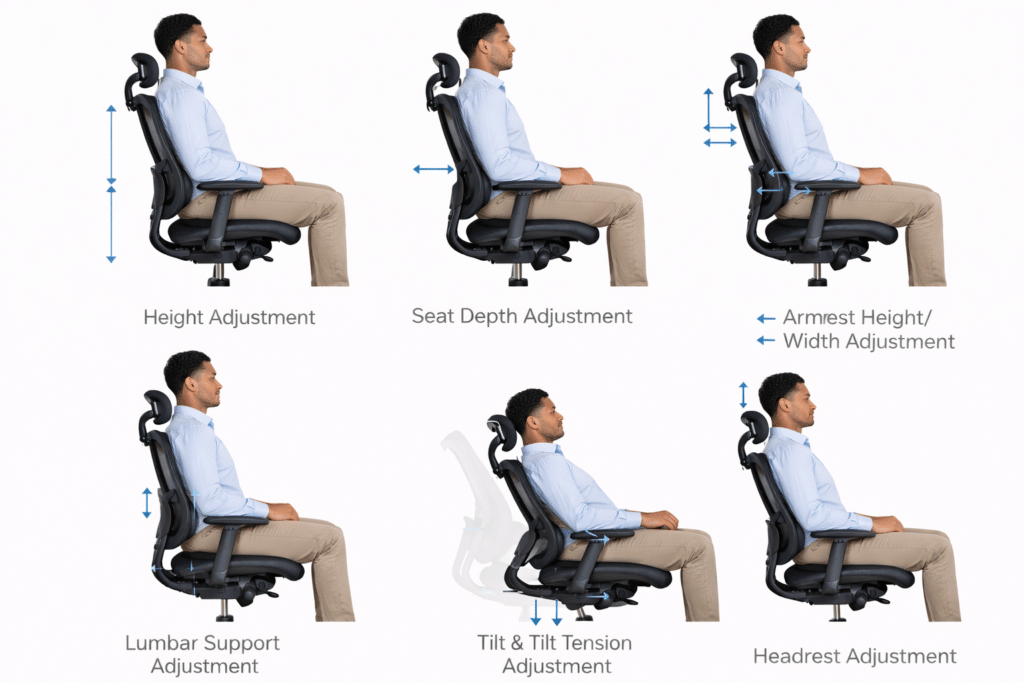
Adjustable Seat Height
Seat height determines whether your feet rest flat on the floor and whether your knees align comfortably with your hips. Poor seat height can affect circulation and posture.
Lumbar Support
Lumbar support helps maintain the natural curve of the lower spine. Without it, the lower back tends to round, increasing strain over time.
The Canadian Centre for Occupational Health and Safety also explains that effective lumbar support plays a key role in maintaining spinal alignment while seated.
Seat Depth
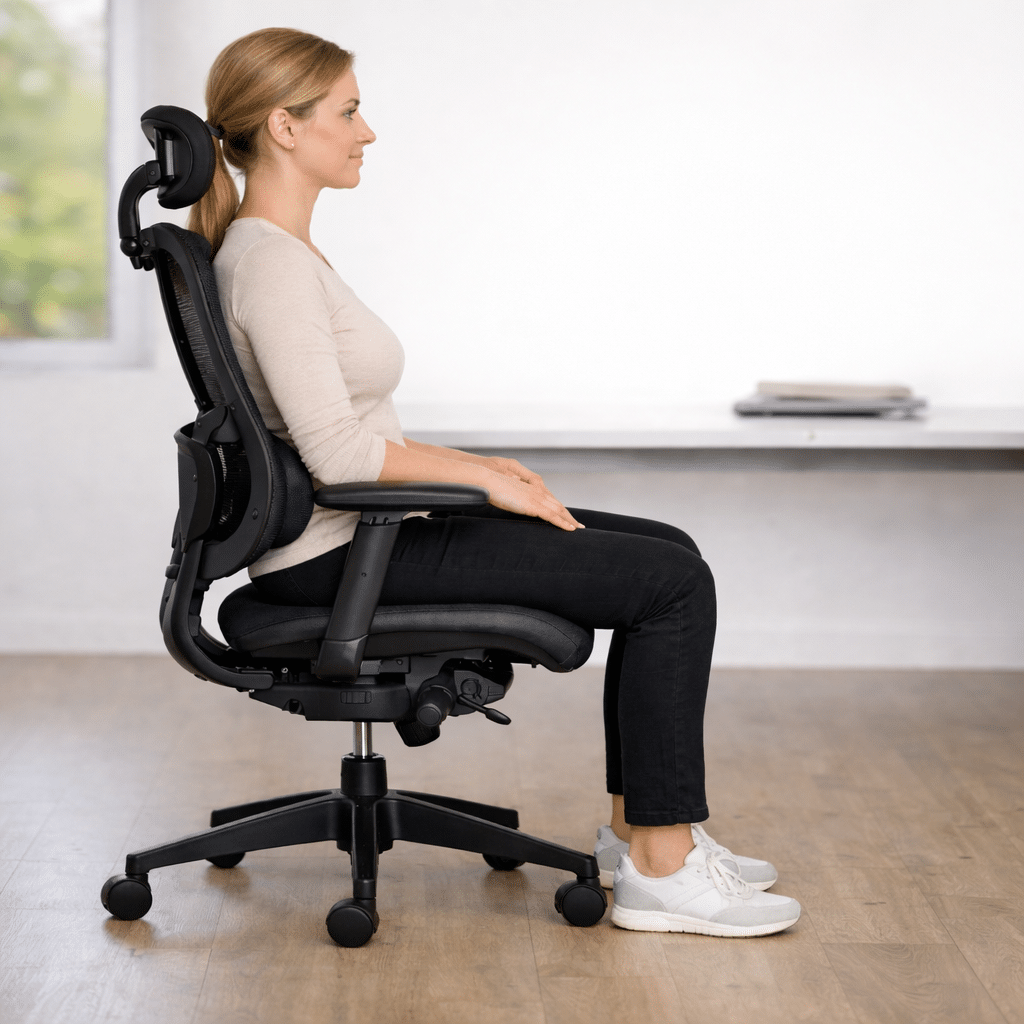
Seat depth affects how much of your thighs are supported. Ideally, there should be a small gap between the back of your knees and the seat edge.
Backrest Recline and Movement
A slight recline reduces pressure on the spine and encourages movement. Dynamic sitting is healthier than staying rigidly upright.
Armrests
Armrests should support your arms without forcing your shoulders upward. Adjustable armrests are especially helpful for people who type for long periods.
Matching Your Chair to How You Work
Not everyone works the same way and the best ergonomic chair depends on your daily habits.
Consider:
- How many hours you sit each day
- Whether your work requires deep focus or frequent calls
- If you lean forward often or prefer a reclined position
Understanding these habits is part of designing a home office around your work style, not just buying furniture based on appearance.
Common Mistakes When Choosing an Office Chair
Many beginners make similar mistakes when selecting seating for a home office.
Common issues include:
- Choosing style over comfort
- Ignoring adjustability
- Buying chairs that are too large or too small
- Assuming all “office chairs” are ergonomic
- Failing to adjust the chair after setup
These mistakes often undermine otherwise well-planned home office setups.
How to Set Up an Ergonomic Chair Correctly
Even the best chair won’t help if it’s not adjusted properly.
Basic setup guidelines include:
- Feet flat on the floor
- Lumbar support aligned with your lower back
- Relaxed shoulders with armrests at elbow height
- Slight recline rather than rigid posture
The Mayo Clinic highlights the importance of proper chair adjustment in reducing strain during prolonged seated work.
Ergonomic Chairs and Desk Compatibility
Your chair and desk must work together. A mismatch between desk height and chair height can lead to wrist strain, shoulder tension or neck discomfort.
The Occupational Safety and Health Administration (OSHA) explains that proper workstation ergonomics require alignment between chair height, desk height and screen position to help maintain neutral posture and reduce strain during desk-based work.
This is why ergonomic seating is often discussed alongside desk selection in guides covering home office desks for small and large spaces, where furniture is considered as part of a system rather than in isolation.
Ergonomic Seating in Small Home Offices
Limited space doesn’t mean you have to sacrifice comfort.
In smaller home offices:
- Choose chairs with a compact footprint
- Avoid bulky designs that dominate the room
- Prioritise adjustability over size
These principles pair well with small home office setup ideas for apartments, where space efficiency and comfort must coexist.
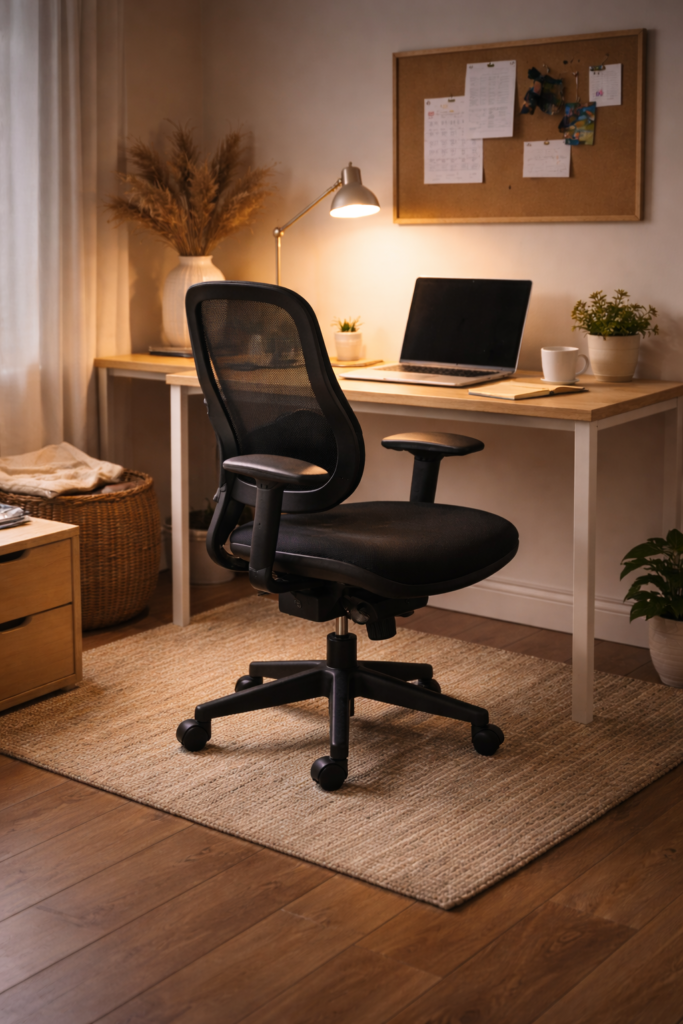
How Ergonomic Chairs Support Focus and Productivity
Comfort affects more than physical health — it directly impacts concentration and energy.
When your body is supported:
- You shift less
- Fatigue builds more slowly
- Focus lasts longer
Research shows that ergonomic work environments reduce physical distractions such as discomfort and strain, which allows people to maintain focus and better sustain productivity. Workplaces designed with ergonomic principles can help employees stay comfortable and attentive, reducing interruptions that stem from physical discomfort. Find more information on this topic here
Frequently Asked Questions
What makes an office chair ergonomic?
Adjustability, lumbar support, proper seat depth and the ability to support neutral posture.
Do I need an ergonomic chair for a home office?
If you work seated for long periods, yes. Ergonomic seating significantly reduces discomfort and fatigue.
Can an ergonomic chair help with back pain?
A properly adjusted ergonomic chair can reduce strain and support healthier posture.
Are ergonomic chairs suitable for small spaces?
Yes. Many ergonomic chairs are designed to work well in compact home offices.
How This Article Fits Into Your Home Office Setup
An ergonomic office chair is one component of a complete workspace. For best results, seating should work together with desk height, lighting, screen positioning and layout.
If you’re building your workspace step by step, this article is designed to support a comprehensive home office setup guide that brings everything together.
Final Thoughts: Comfort Is The Foundation of Productivity
Choosing an ergonomic office chair isn’t about luxury or aesthetics. It’s about supporting your body so you can work comfortably and consistently.
When your seating works properly, everything else in your home office becomes easier. Focus improves, discomfort fades and workdays feel more manageable.